01
Say what you have in mind.
Talk to your agent in its interactive session. Describe a screen, a user journey, or a change. It creates and updates the design through Flowkit.
“Create the onboarding flow for a new team.”
Give your coding agent a visual workspace. Talk through an idea, watch connected screens appear, then point at anything you want to refine.
Give your agent a canvas ↗Explore the workflow ↓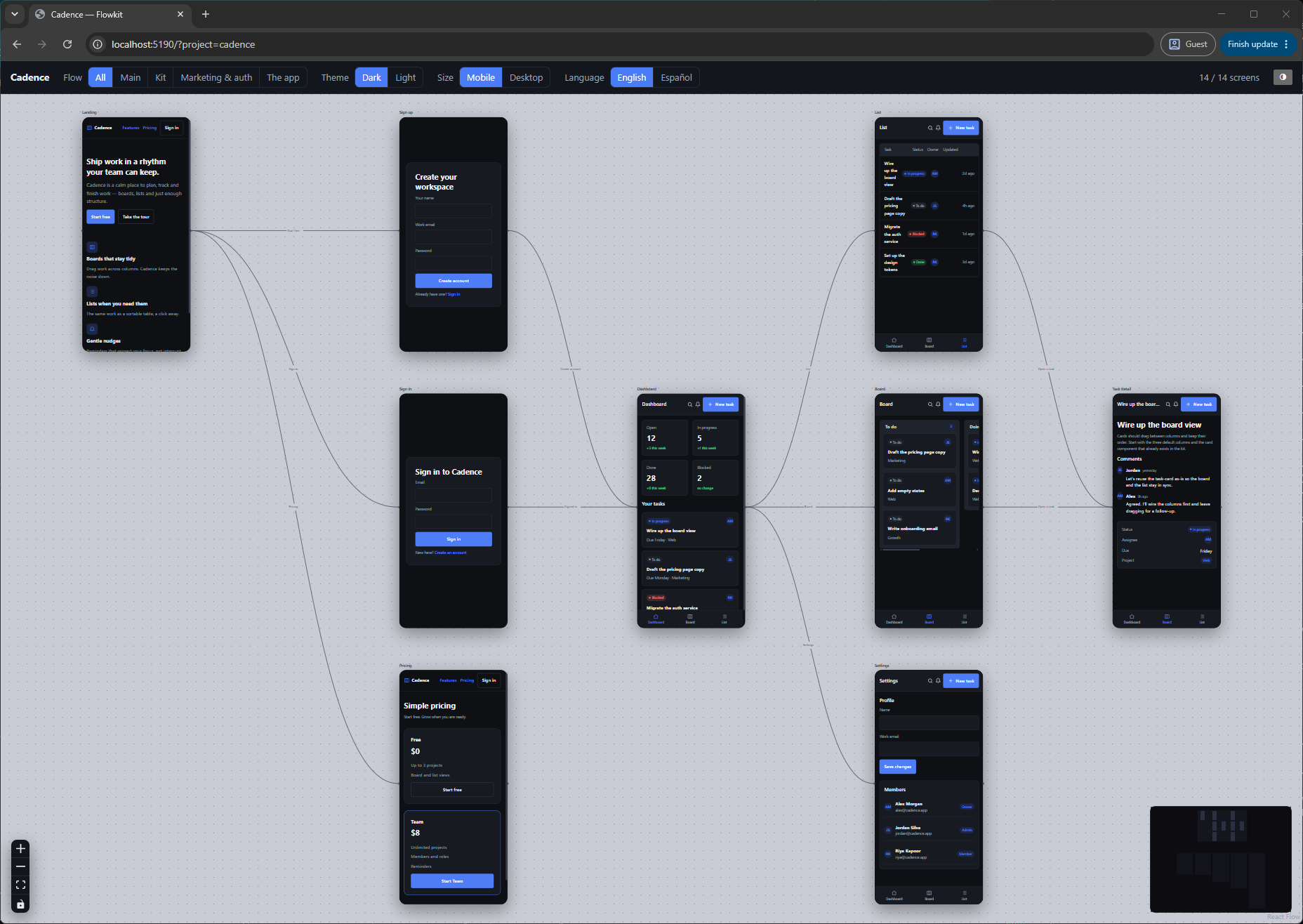
I’ll create the screens in Flowkit, reuse a shared design system, and connect the user journey.
The screens are connected. Take a look at the canvas.
What happens when I open a task from the board?
I’ll create the screens in Flowkit, reuse a shared design system, and connect the user journey.
The screens are connected. Take a look at the canvas.
What happens when I open a task from the board?
Let’s design a task manager. Connect sign-up, dashboard, board, and task details.
I’ll create the screens in Flowkit, reuse a shared design system, and connect the user journey.
Done. The flow is ready on your canvas.
What happens when I open a task from the board?
I’ll create the screens in Flowkit, reuse a shared design system, and connect the user journey.
The screens are connected. Take a look at the canvas.
What happens when I open a task from the board?
I’ll create the screens in Flowkit, reuse a shared design system, and connect the user journey.
The screens are connected. Take a look at the canvas.
What happens when I open a task from the board?
I’ll create the screens in Flowkit, reuse a shared design system, and connect the user journey.
The screens are connected. Take a look at the canvas.
What happens when I open a task from the board?
Let’s design a task manager. Connect sign-up, dashboard, board, and task details.
YouI’ll create the screens in Flowkit, reuse a shared design system, and connect the user journey.
Done. The screens are connected in Flowkit.
Build · AgentWhat happens when I open a task from the board?
Talk to your agent in its interactive session. Describe a screen, a user journey, or a change. It creates and updates the design through Flowkit.
See real HTML screens on the canvas. Select a region and ask your agent to improve it. Keep shaping the details while the whole journey stays visible.
Keep the design file beside your code. Export screens, a specification, or a single HTML viewer so someone else can explore the complete flow.
Follow the journey, zoom into a screen, or point at one awkward detail. Your agent gets the context to keep going.
Select a region on the canvas, then ask your agent a question or request a change. It receives the selected view and the elements inside it.
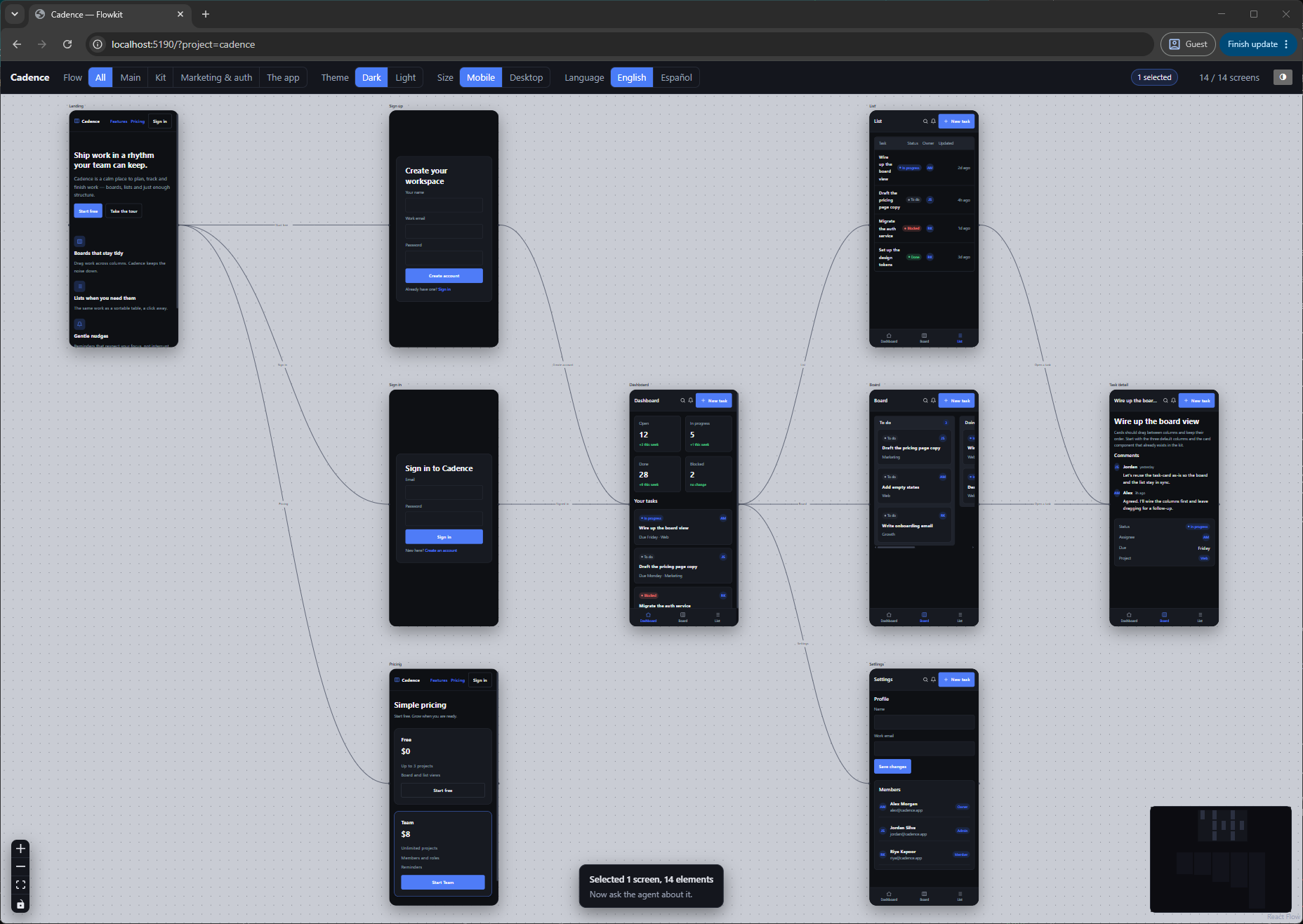
“This dashboard feels crowded. Give the task cards more breathing room.”
Real canvas screenshot · selection and prompt illustrated
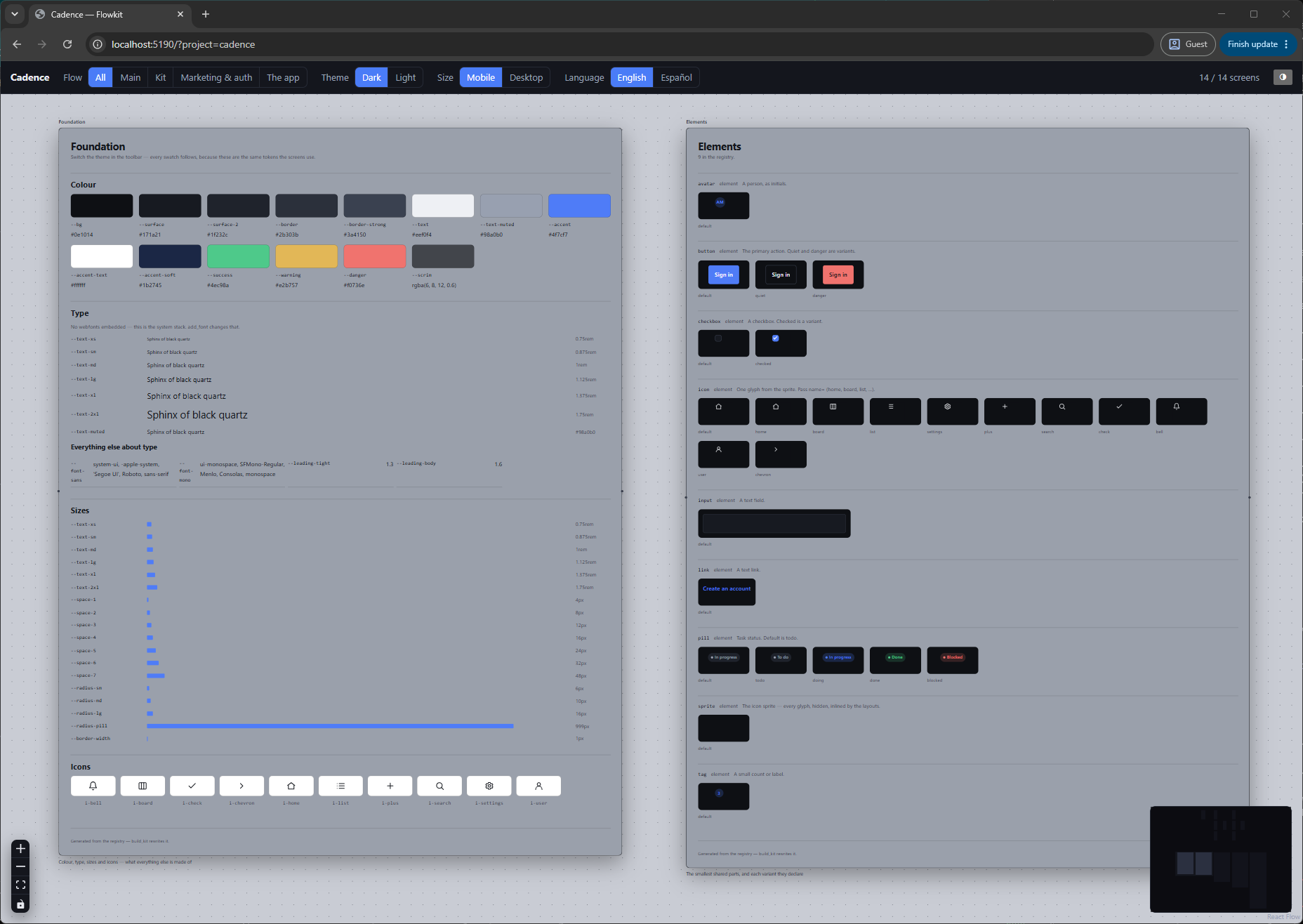
Colors, type, spacing, and reusable components live with the screens that use them. Ask your agent to change a shared piece and review it across the design.
Switch between light and dark, mobile and desktop, or translated copy. Review your screens in context and catch the details that need another pass.
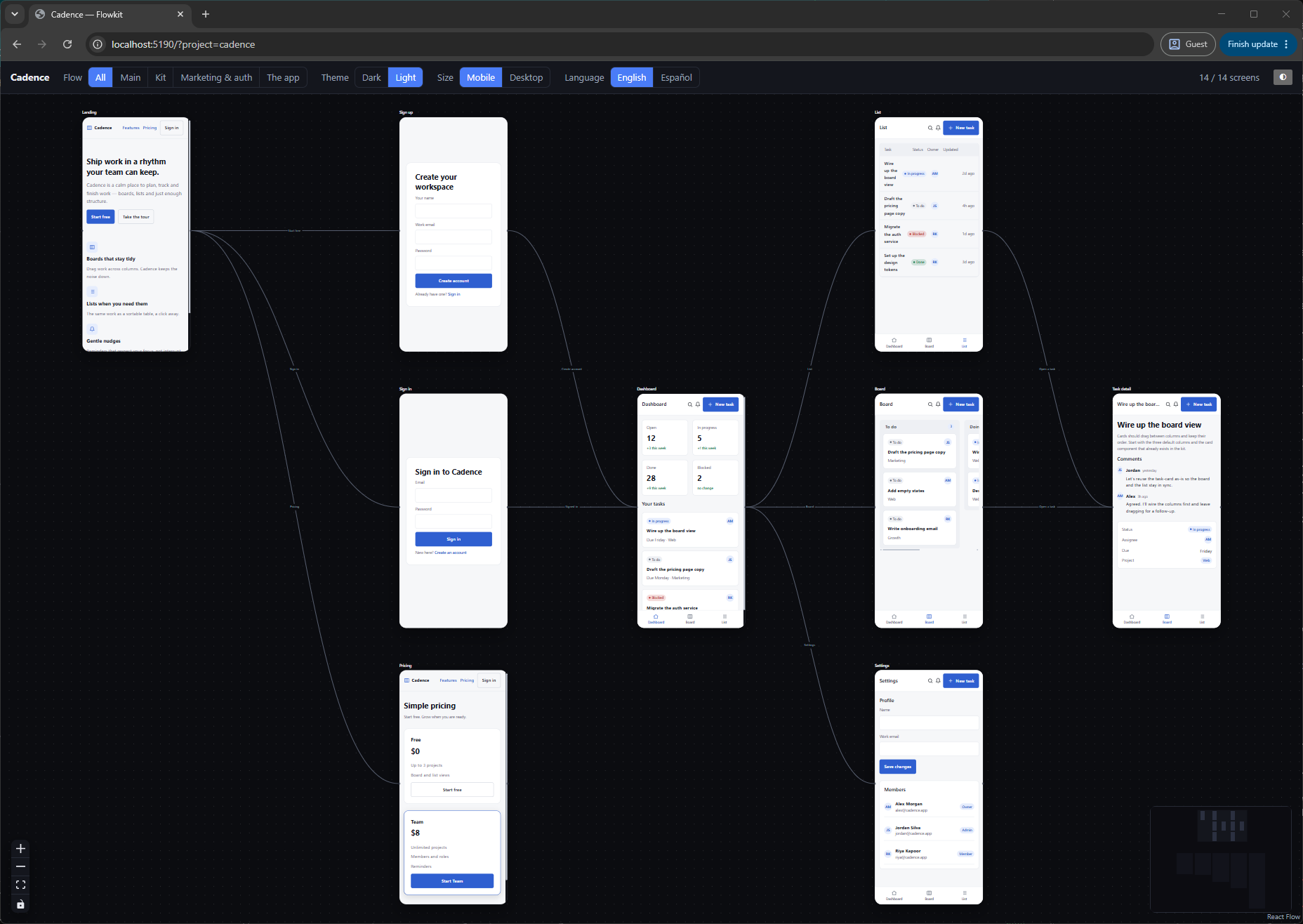
Drag screens into place and connect them handle to handle. You and your agent work on the same canvas.
Ask your agent to undo the last change. Your design stays in a local JSON file you can commit beside your code.
Export a self-contained HTML viewer. Your teammate opens it in a browser and explores the screens and their connections — with no Flowkit install or account.
Install Flowkit, connect your agent, and start a conversation. The canvas opens alongside it.
Set up another agent ↗Requires Bun · Example below uses Claude Codebun install -g @combycode/flowkitflowkit initclaudeOpen new Flowkit project. Let's design something.